
API Requests
Workflow Executions
Messages
Enterprise plan feature. The SuprSend OTel connector is only available on our Enterprise plan.
How it works
SuprSend exportssuprsend.* metrics via OTLP over HTTP or gRPC. You provide your OTLP endpoint and authentication headers, choose which events to sync, and SuprSend streams them in real time, with sub-second latency.
Once connected you can build custom dashboards, set up alerts for delivery failures or API errors, slice by any dimension (workspace, tenant, workflow, category, channel, vendor), and correlate notification health with your infrastructure and APM data.
All metrics are tagged by workspace, tenant, workflow, category, channel, vendor, and error details. See Reported metrics for the full list.
Installing the connector
1
Create a new connector
In your SuprSend dashboard, navigate to Connectors and click New Connector.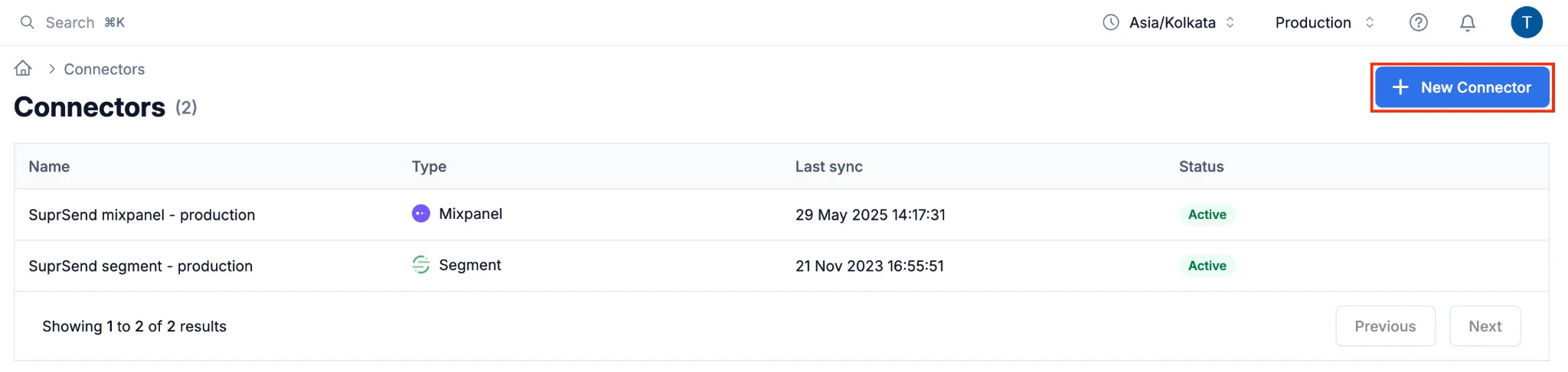
2
Configure connector settings
Fill in the following fields:
3
Save the connector
Click Save. Your metrics will start streaming to your platform within a few minutes.
Authentication
SuprSend passes authentication credentials as HTTP headers. The header format depends on your platform:Reported metrics
SuprSend streams the followingsuprsend.* counter metrics. All counters are monotonic sums exported with delta temporality - each data point carries the count for that export window, not a running total.
API Requests
Track the volume and health of every API call made to SuprSend.
Tags on API Request metrics
Workflow Executions
Monitor how your workflows and broadcasts are performing and quickly spot execution failures.
Tags on Workflow Execution metrics
Messages
Follow the full lifecycle of every message - from trigger through delivery, open, and click - and monitor delivery failures by vendor and channel.
Tags on Message metrics
- All metrics are scoped to the SuprSend environment (for example
production,staging) via thews_uidtag. - For delivery, seen, and click metrics to be populated for Email, SMS, and WhatsApp, configure
https://hub.suprsend.com/webhook/*as a callback URL in your vendor dashboard. See the vendor integration docs for per-vendor instructions. - For error details, the SuprSend dashboard provides more granular information via Logs and Analytics.
Disabling the connector
To pause metrics streaming, open the connector from the Connectors page and toggle Enable sync off. Re-enable it at any time to resume.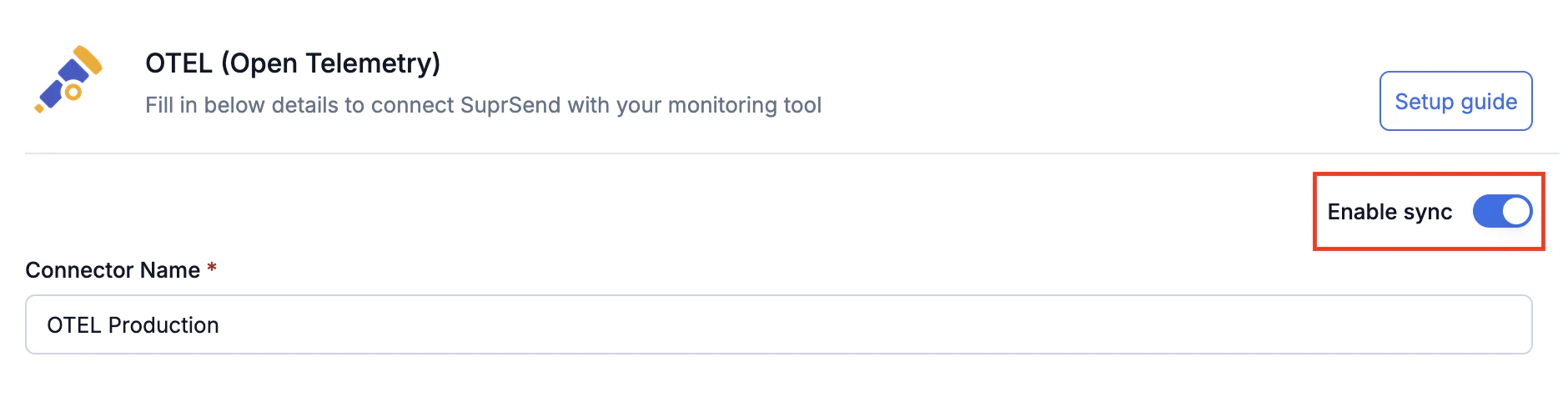
Toggle Enable sync off to pause metrics streaming